Table of Contents
This document outlines all the custom features and enhancements added to the Astro Sphere theme. These modifications are designed for developers forking this template.
Enhanced Code Blocks with Expressive Code
Replaced the default code highlighting with Astro Expressive Code for a significantly improved code display experience.
Features
- Syntax highlighting with GitHub Dark theme
- Copy-to-clipboard button on all code blocks
- Line numbers (configurable per code block)
- Horizontal scroll support for long code lines
- Filename extraction from code comments
- Terminal frame support with comment removal on copy
Configuration
The integration is configured in astro.config.mjs:
import expressiveCode from "astro-expressive-code";import { pluginLineNumbers } from "@expressive-code/plugin-line-numbers";
export default defineConfig({  integrations: [    expressiveCode({      themes: ["github-dark"],      defaultProps: {        wrap: false,        showLineNumbers: false,      },      plugins: [pluginLineNumbers()],      frames: {        showCopyToClipboardButton: true,        extractFileNameFromCode: true,        removeCommentsWhenCopyingTerminalFrames: true,      },      styleOverrides: {        borderRadius: "0.3rem",      },    }),    mdx(),    sitemap(),    // ... other integrations  ],});
You can enable line numbers per code block by adding showLineNumbers to the fence:
```javascript showLineNumbersfunction example() { return "Line numbers enabled!";}```Table of Contents for Blog Posts and Projects
Blog posts and project pages now include an automatic table of contents generated from your article headings.
Features
- Auto-generated from
##and###headings - Responsive layout (inline collapsible TOC on small screens, sidebar TOC on larger screens)
- Active section highlighting as you scroll
Usage
By default, TOC is enabled. Disable it per entry with frontmatter:
---toc: false---New ContentImage Component
Added a custom ContentImage component (src/components/ContentImage.astro) for rendering images in blog posts with consistent styling and optional captions.
Features
- Automatic rounded corners with consistent styling
- Caption support displayed below images
- Works with local imports and remote URLs
- Responsive sizing with full-width display
- Maximum image height capped to prevent oversized images
- Optional custom classes for additional styling
Usage
Import images from your content folder and use the component:
import ContentImage from "@components/ContentImage.astro";import myPhoto from "./my-photo.jpg";
<ContentImage src={myPhoto} alt="Description of image" caption="Optional caption text" />;
For remote images, specify width and height:
<ContentImage src="https://example.com/image.jpg" alt="Remote image" width={800} height={600} caption="Image from external source"/>Examples
Local image with caption:
Remote image with caption:

New ContentPreview Component
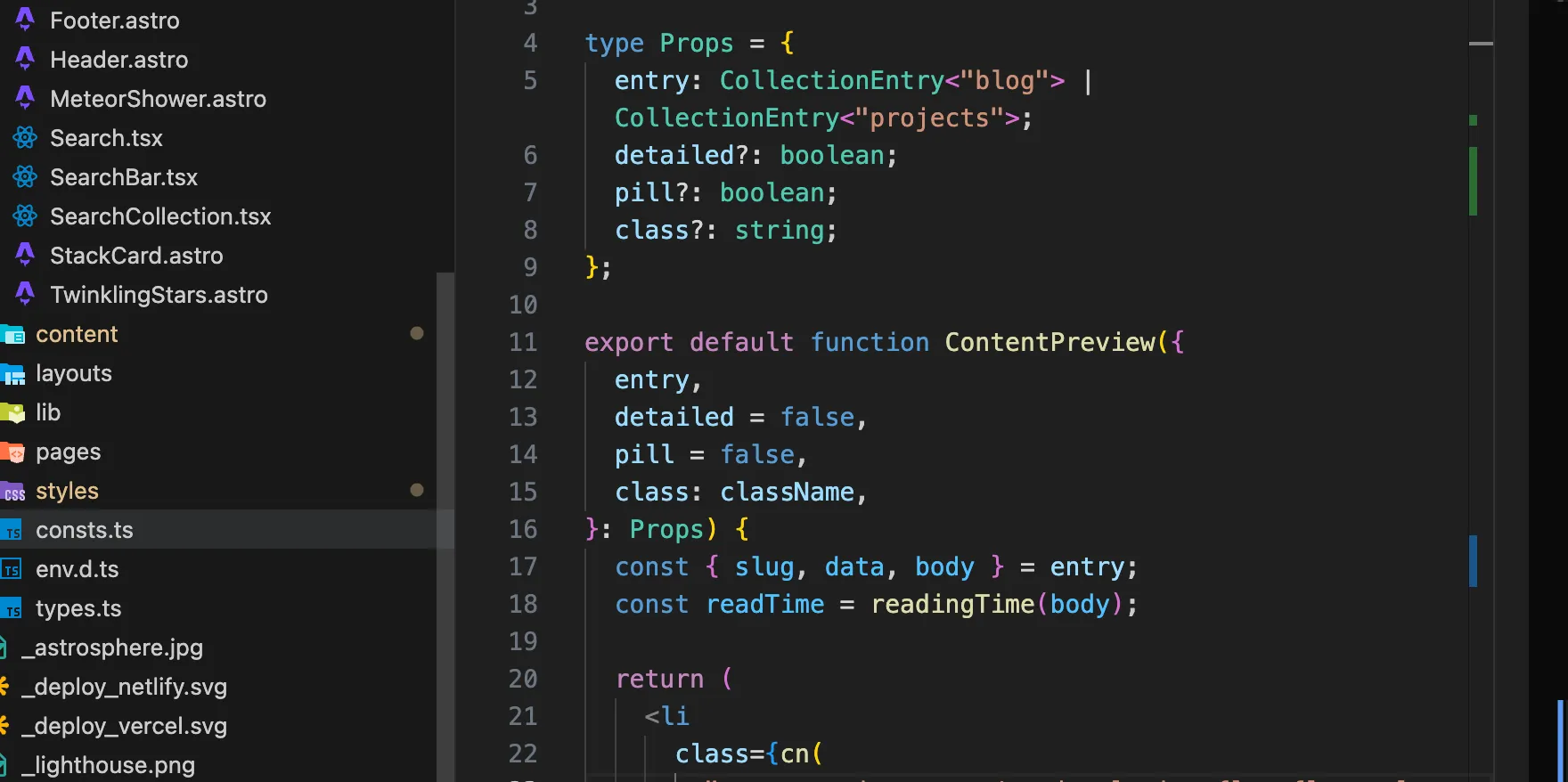
Created a redesigned content preview component using Solid.js for displaying blog posts and projects. I was inspired by Astro-Pure usage of similar component.
Features
- Hero image support with gradient overlay
- Reading time indicator with book icon
- Tag pills for categorization
- Hover animations with smooth transitions
- Responsive layout that adapts to screen size
- Detailed and compact views via
detailedprop
Component Locations
src/components/ContentPreview.tsx- Solid.js version (interactive)
Usage
The component is used throughout the site for displaying content previews:
import ContentPreview from "@components/ContentPreview";
// Display a blog post preview<ContentPreview entry={post} pill={false} />;
// Display with detailed view (used on search page)<ContentPreview entry={result} pill={true} detailed={true} />;
The old ArrowCard.tsx from Astro-Sphere has been removed in favor of this new implementation.
Hero Images for Blog Posts
Blog posts now support hero images displayed at the top of articles.
Usage
Add heroImage to your frontmatter:
---title: "My Blog Post"heroImage: src: "./my-image.jpg" alt: "Description of image"---The hero image will be displayed with automatic styling at the top of your blog post.
Developer Experience Enhancements
ESLint Configuration
Added comprehensive ESLint setup with proper TypeScript and Astro support in eslint.config.mjs:
- TypeScript and TSX support for Solid.js components
- Astro plugin with accessibility rules
- Prettier integration
- Custom rules for project-specific needs
Run linting:
npm run lint # Check for issuesnpm run lint:fix # Auto-fix issuesPrettier Integration
Configured Prettier for consistent code formatting:
- Auto-format on save (VS Code)
- Astro-specific formatting plugin
- Tailwind class sorting plugin
- Consistent formatting across all file types
Run formatting:
npm run format # Check formattingnpm run format:fix # Auto-fix formattingAGENTS.md
Added AGENTS.md file with guidelines for AI coding assistants, documenting:
- Available npm scripts
- Code style conventions
- Project structure
- Component patterns
- Naming conventions
This file helps AI assistants (like OpenCode) understand project conventions and generate appropriate code.
Node Version
Added .nvmrc file to specify the required Node.js version for the project, ensuring consistency across development environments.
Typography Updates
New Fonts
Added custom fonts for improved typography:
- Inter (variable font) - Primary body text
- Satoshi (Bold & Regular) - Headings and emphasis
Font files are located in public/fonts/ and loaded via the global CSS.
UI/UX Improvements
Navigation Changes
- Removed mobile drawer - Navigation stays persistent on all screen sizes
- Removed site name from navbar - Cleaner header design
- Enhanced “Back to” buttons - Improved styling with hover effects
- Profile added to hero section - Personalized homepage
Spacing and Layout
- Updated vertical spacing throughout the site
- Decreased gap between navbar and page titles
- Refined container widths for home, projects, and blog pages
- Enhanced hover states and transitions
Content Management
- Removed work page - Including all work content and routes
- Removed contact section - From homepage
- Removed website status banner - Cleaner design
- Removed website stack display - Simplified presentation
Disabled Legal Pages
Legal pages (Terms and Privacy) are preserved but disabled for future use.
How It Works
Pages are disabled using Astro’s underscore convention:
- Page route:
src/pages/legal/_[...slug].astro(underscore prefix) - Content files:
_privacy.mdand_terms.md(underscore prefix) - Footer links are commented out in
src/components/Footer.astro
Re-enabling Legal Pages
To re-enable:
- Remove underscore prefix from
src/pages/legal/_[...slug].astro - Remove underscore prefix from content files (
_privacy.md→privacy.md) - Uncomment the legal links section in
src/components/Footer.astro
Note: Files prefixed with underscore (_) are excluded from routing and builds per Astro conventions.
Configuration Changes
Package Updates
- Upgraded to Astro 5.x - Latest features and improvements
- Updated all dependencies - Security patches and new features
- Package renamed - From “astro-sphere” to “personal-site”
- Site URL updated - Configured for GitHub Pages deployment
TypeScript Configuration
Enhanced TypeScript configuration with strict mode and improved type checking for better development experience.
Additional Resources
For more information about the base theme, visit the Astro Sphere repository.